File list
This special page shows all uploaded files.
| Date | Name | Thumbnail | Size | User | Description | Versions |
|---|---|---|---|---|---|---|
| 13:34, 4 June 2026 | Gateway diagram.svg (file) |  |
195 KB | Hw2210 (talk | contribs) | 1 | |
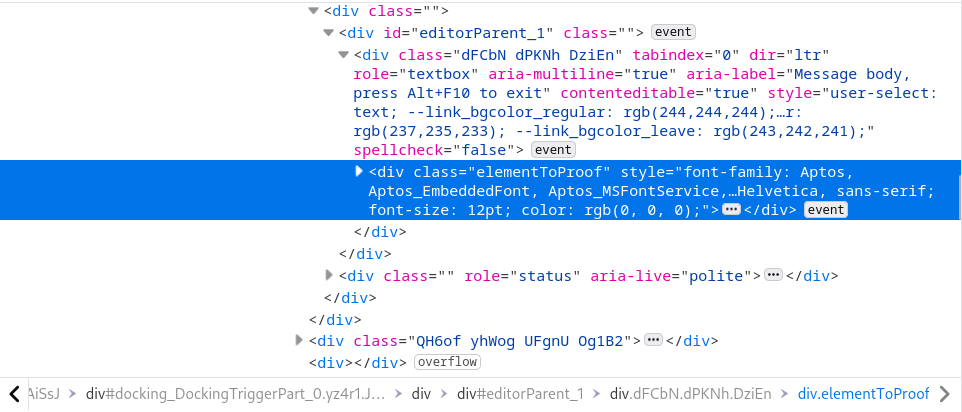
| 07:38, 4 June 2026 | Events-html.png (file) |  |
77 KB | Hw2210 (talk | contribs) | HTML code, highlighting “div” with class “elementToProof” | 1 |
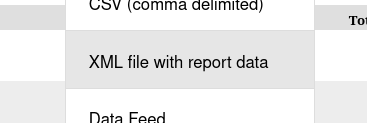
| 07:38, 4 June 2026 | Events-xml.png (file) |  |
9 KB | Hw2210 (talk | contribs) | Text in the center showing XML file with report data | 1 |
| 07:38, 4 June 2026 | Events-save.png (file) |  |
2 KB | Hw2210 (talk | contribs) | Save button to the left of a printer icon | 1 |
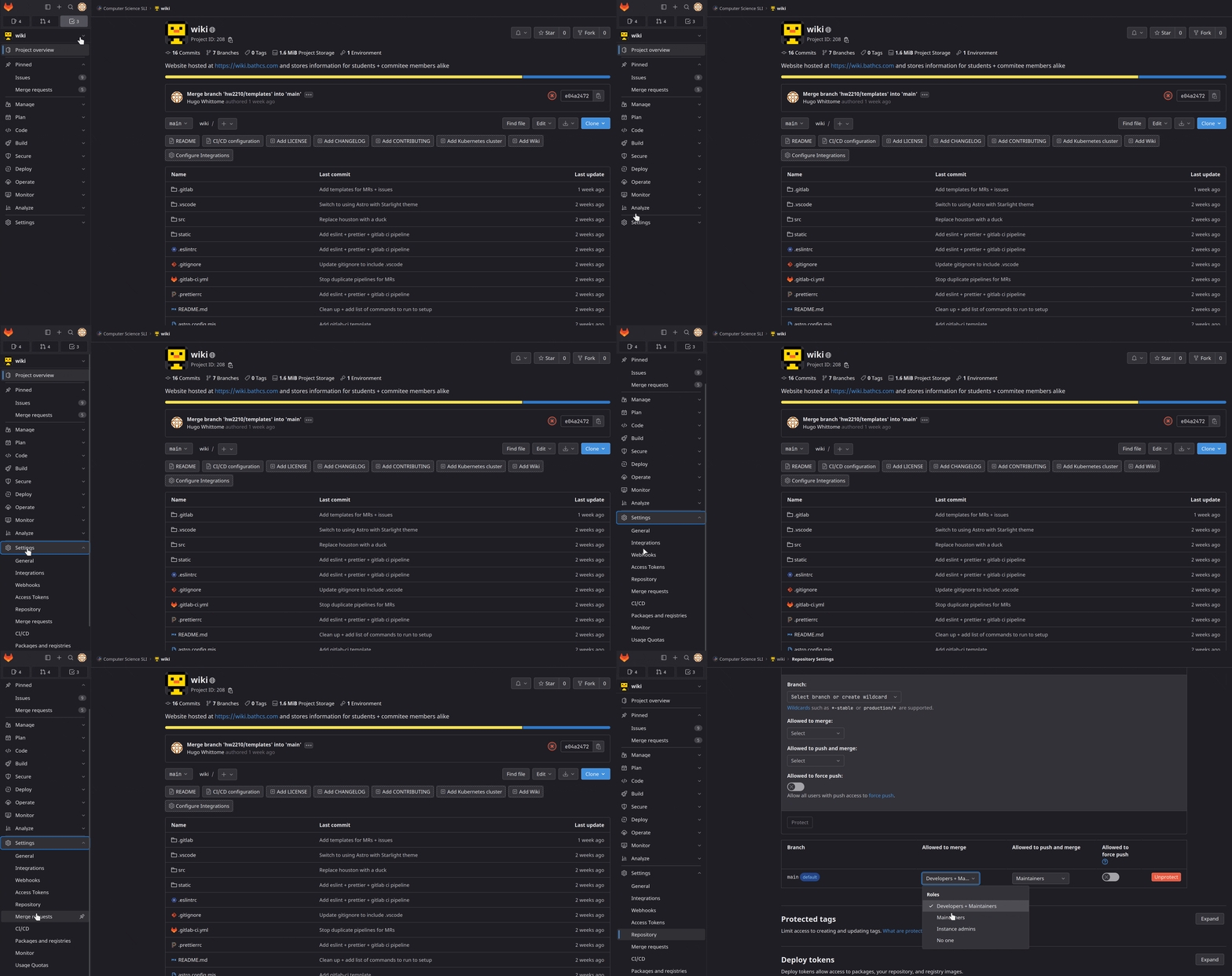
| 18:51, 3 June 2026 | Git-setup new project.gif (file) |  |
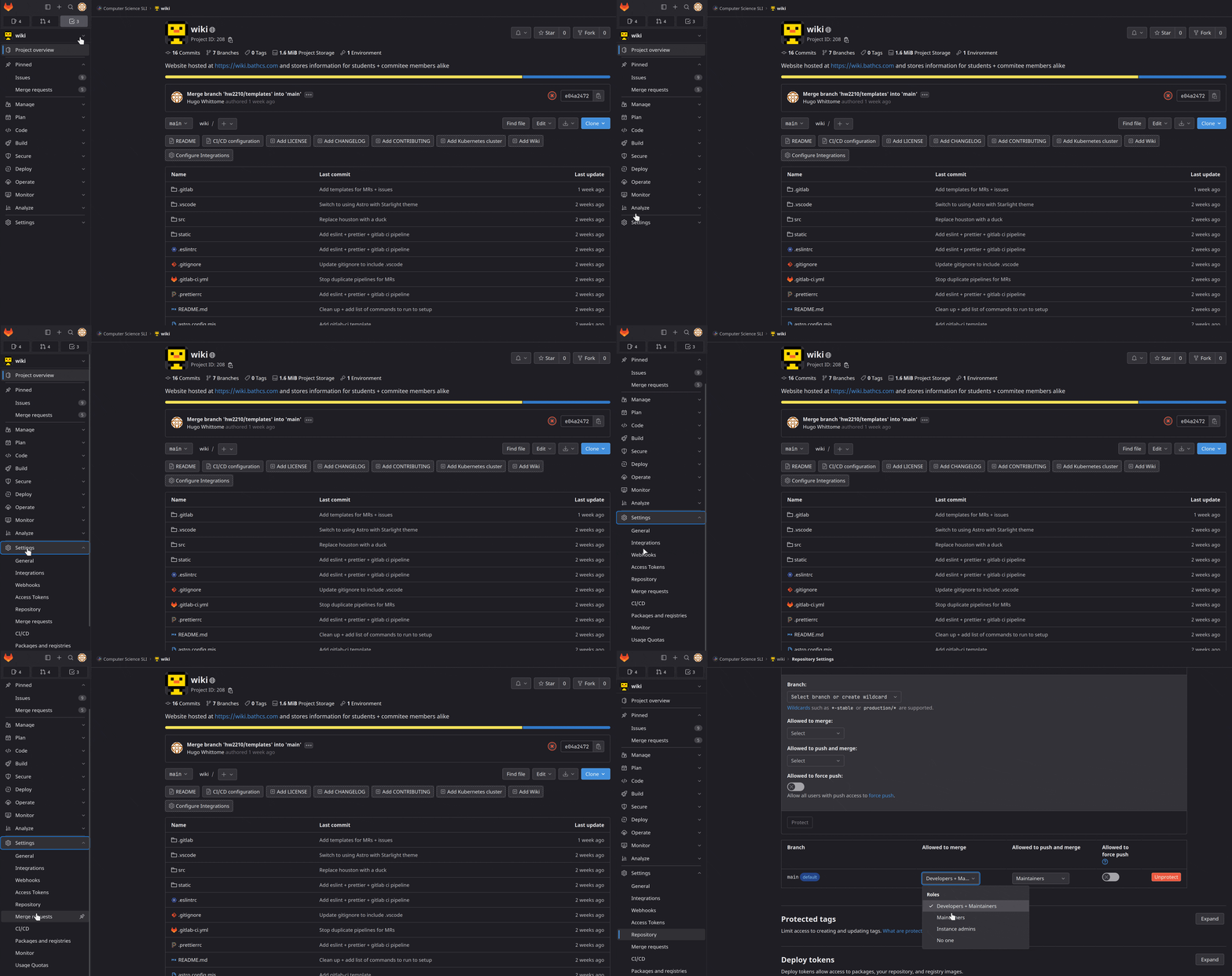
1.12 MB | Hw2210 (talk | contribs) | gif showing the process of editing the protected branches to only allow maintainers to merge to main and no one to push to the main | 1 |
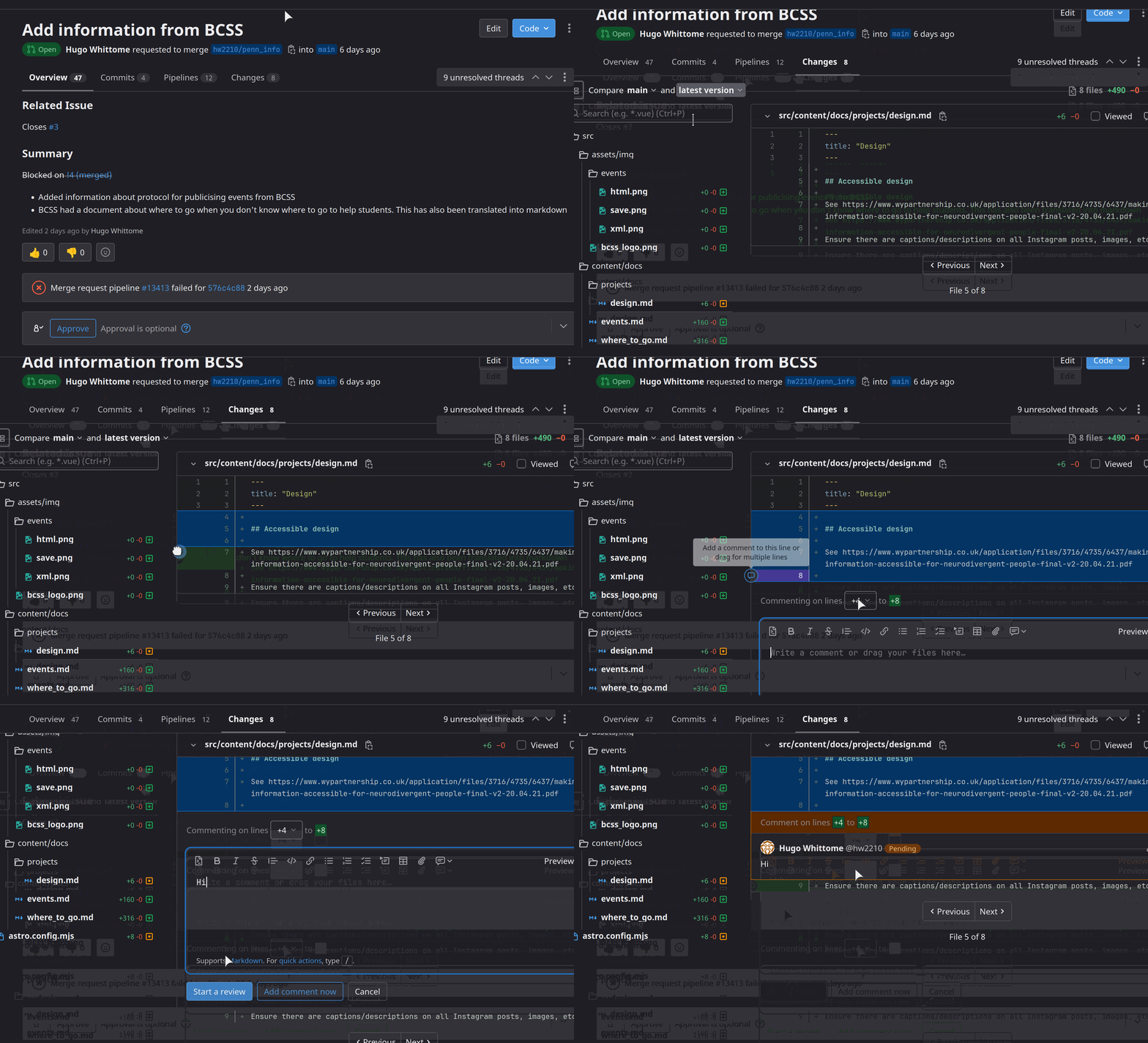
| 18:51, 3 June 2026 | Git-start review.gif (file) |  |
1.26 MB | Hw2210 (talk | contribs) | gif showing going to commits tab and adding a comment to the review, selecting multiple lines | 1 |
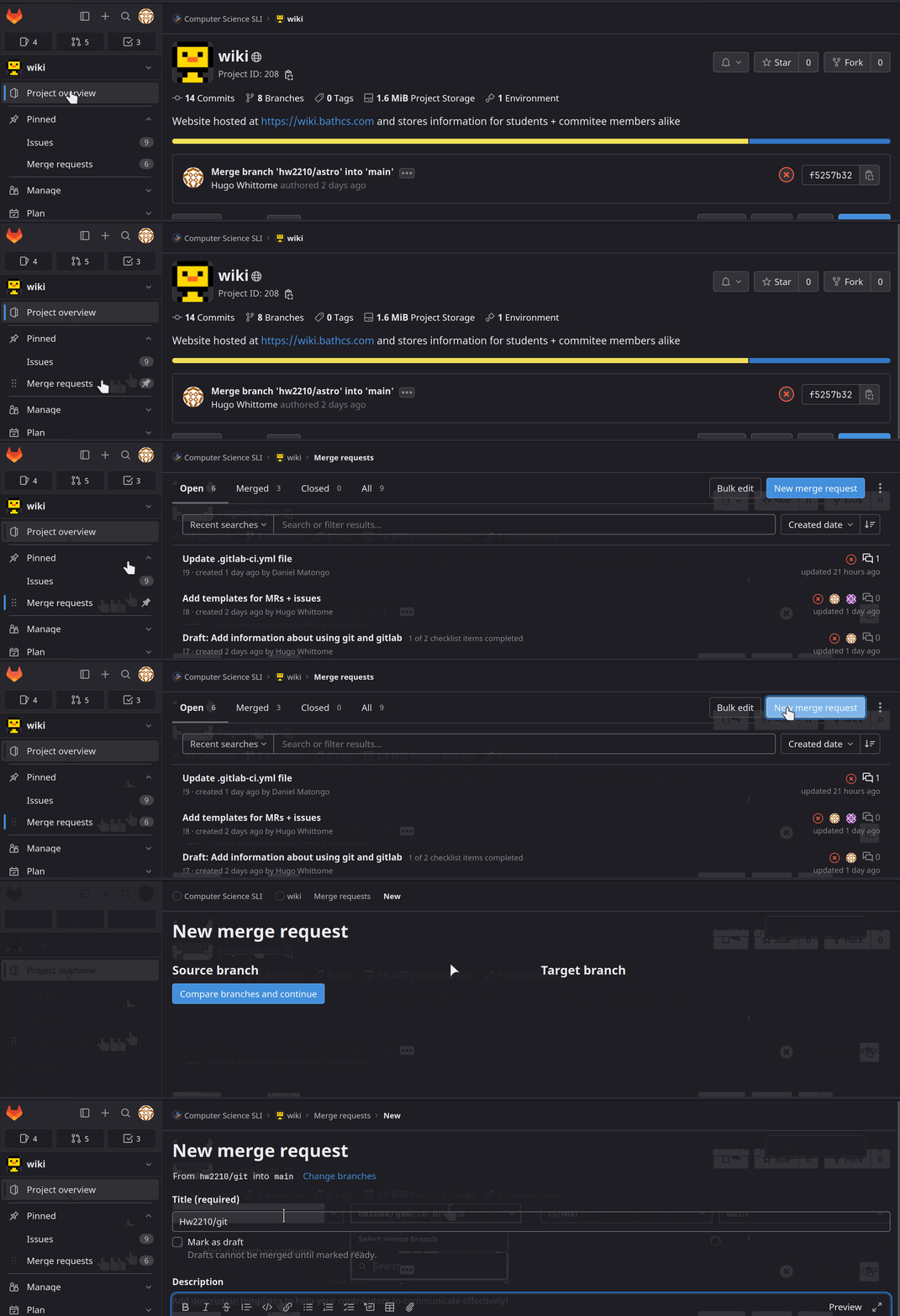
| 18:50, 3 June 2026 | Git-create mr.gif (file) |  |
790 KB | Hw2210 (talk | contribs) | gif showing the steps of going to the merge requests menu under pinned and clicking new merge request button and choosing a branch to merge into main | 1 |
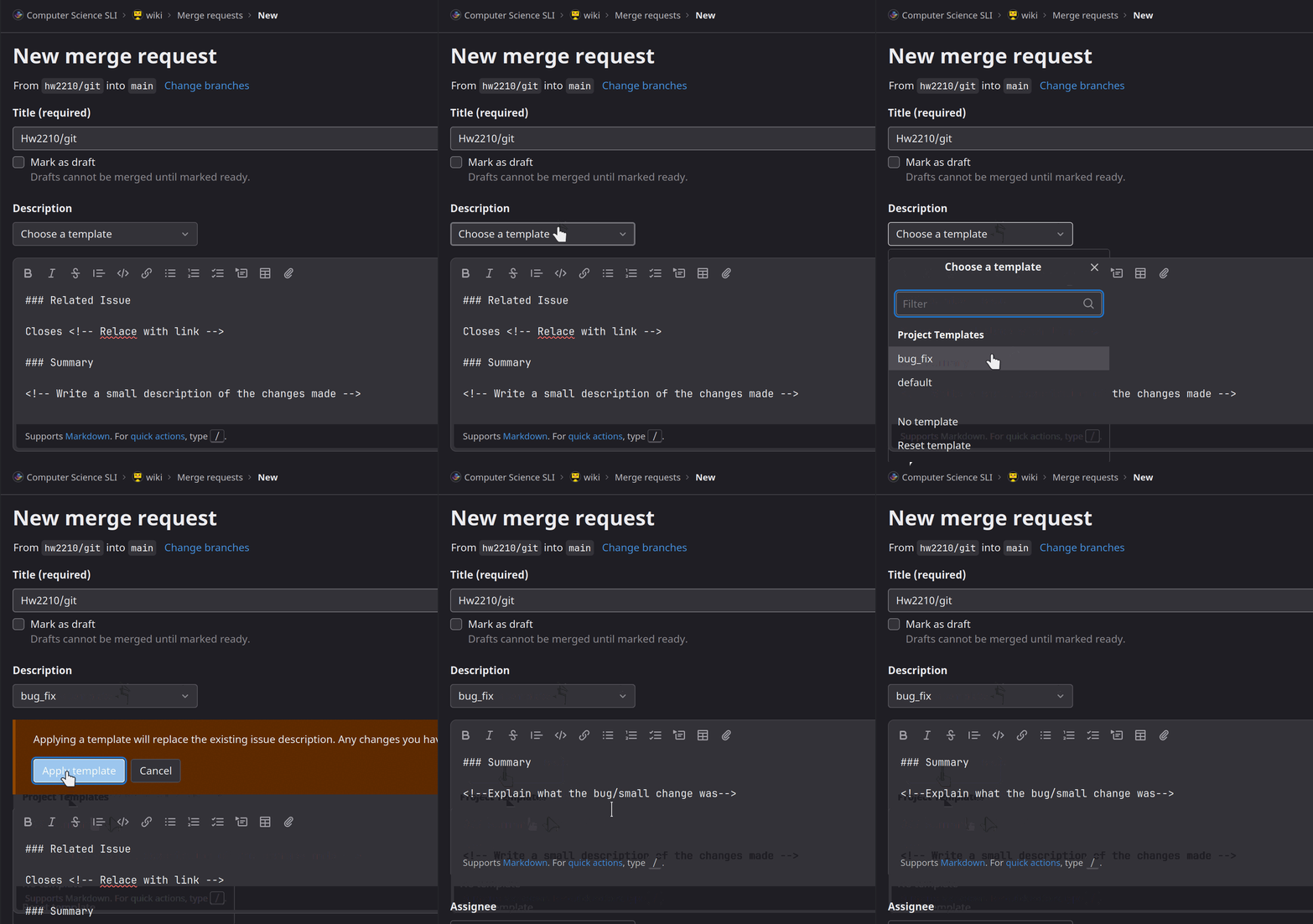
| 18:50, 3 June 2026 | Git-mr templates.gif (file) |  |
401 KB | Hw2210 (talk | contribs) | gif showing the dropdown to select the template to use above the description | 1 |
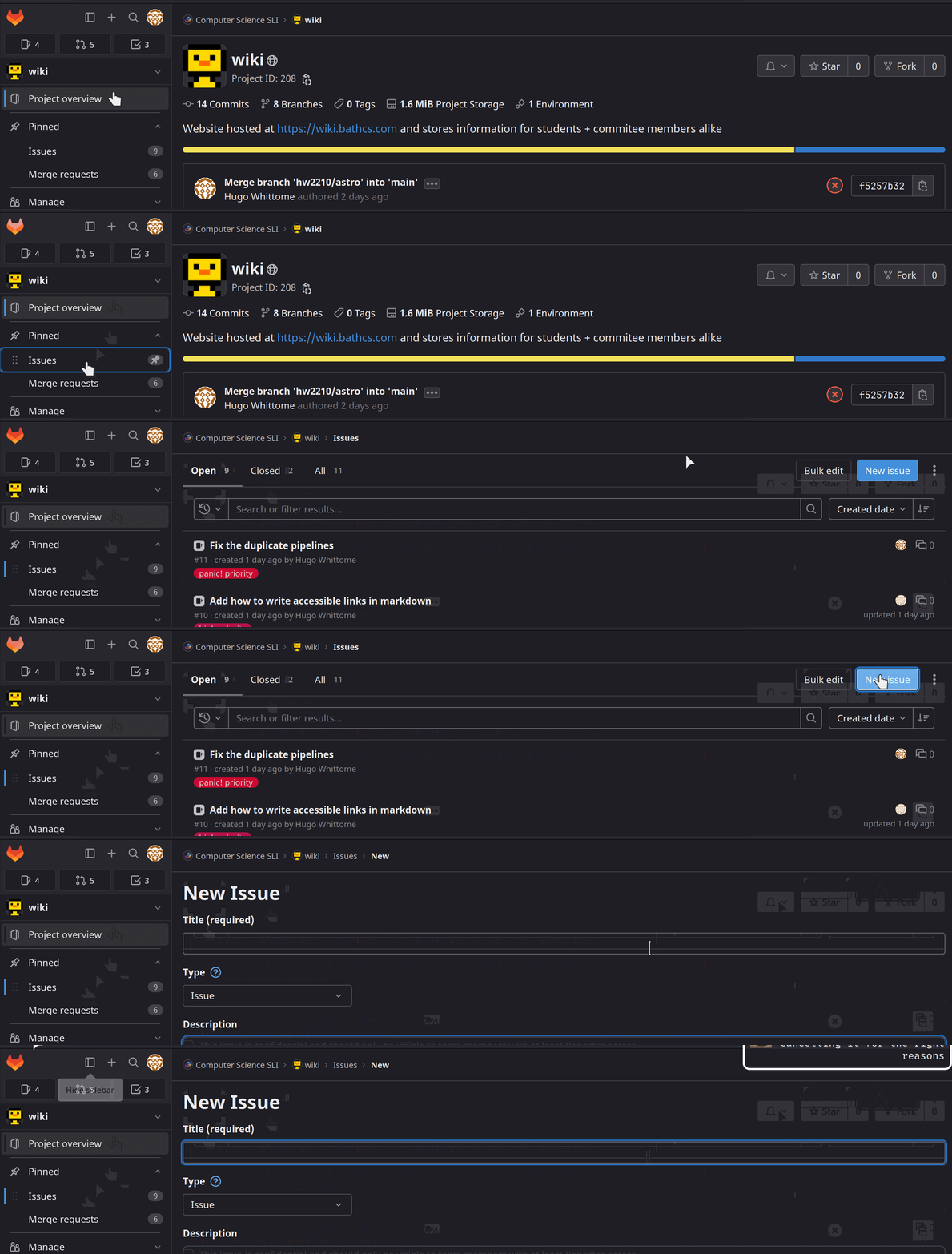
| 18:50, 3 June 2026 | Git-create issue.gif (file) |  |
624 KB | Hw2210 (talk | contribs) | gif showing the steps of going to the issues menu under pinned and clicking new issue button | 1 |
| 18:49, 3 June 2026 | Git-gitlab members.gif (file) |  |
1.09 MB | Hw2210 (talk | contribs) | Members page on GitLab showing the current owners and maintainers found by going to Members in the navigation group “Group Information” | 1 |
| 18:33, 3 June 2026 | Git-git push.gif (file) |  |
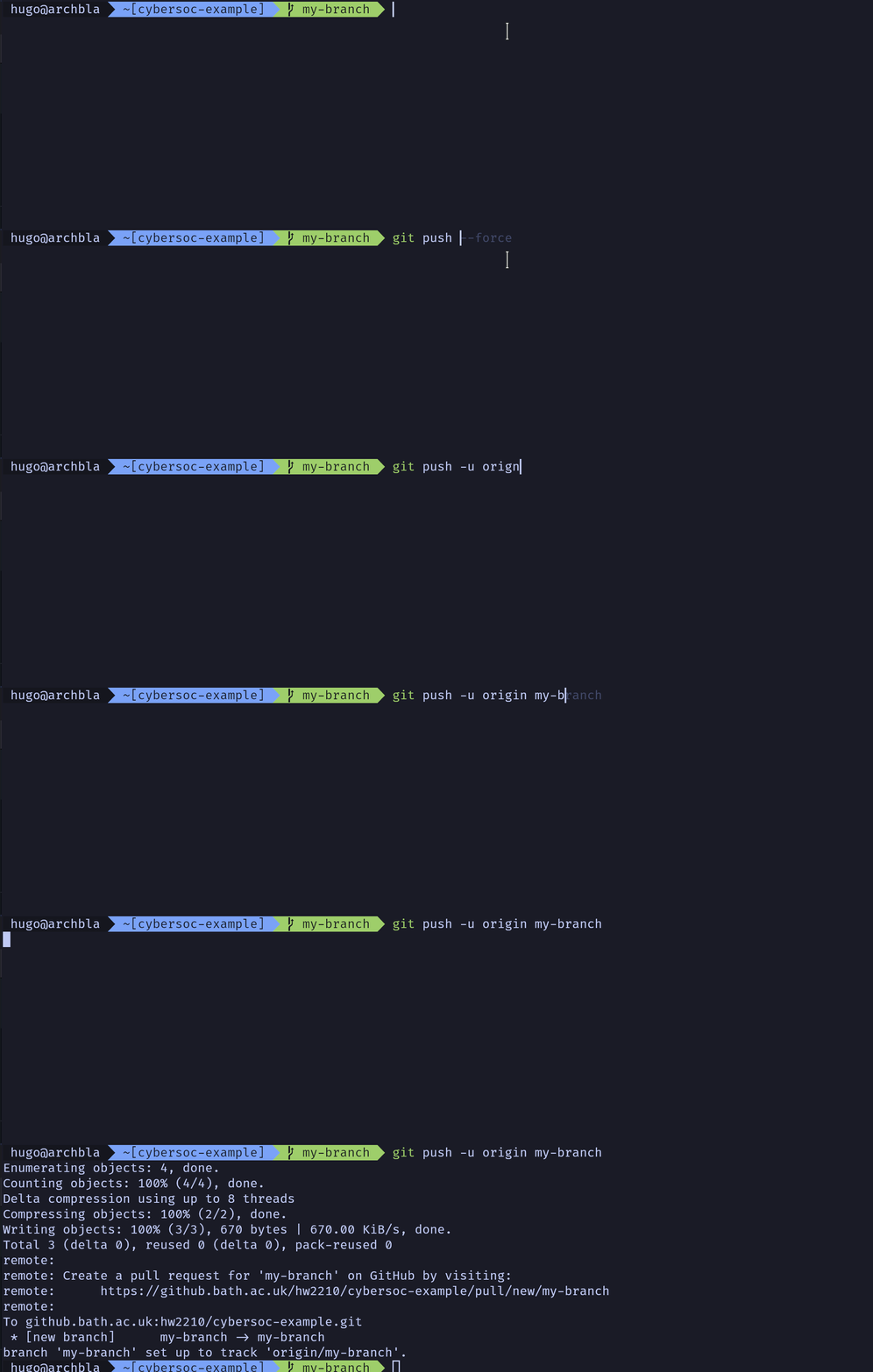
215 KB | Hw2210 (talk | contribs) | gif showing the process of pushing the new branch to the remote repo | 1 |
| 18:33, 3 June 2026 | Git-switch branch.gif (file) |  |
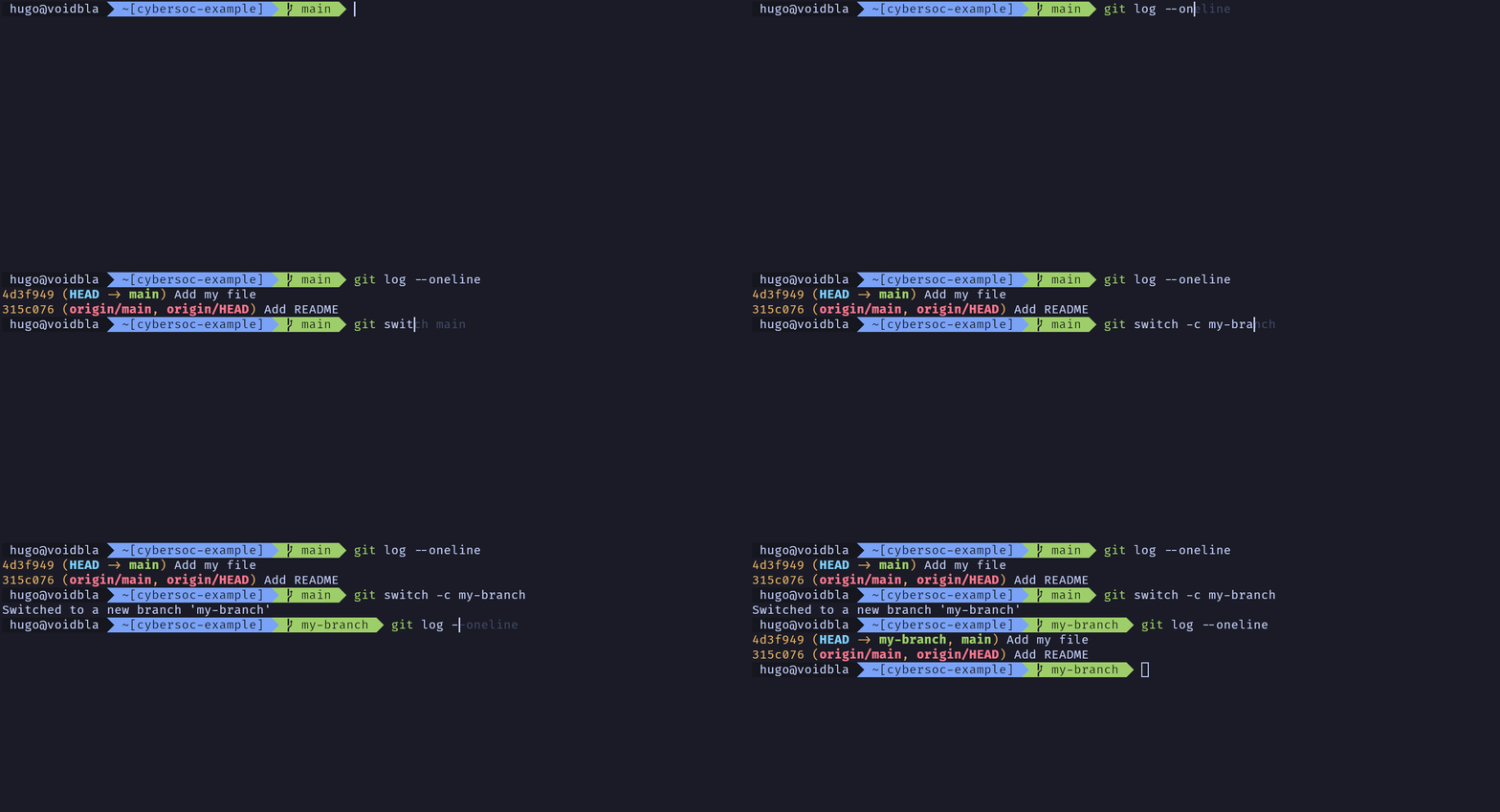
187 KB | Hw2210 (talk | contribs) | gif showing the process of creating and switching to a new branch | 1 |
| 18:32, 3 June 2026 | Git-git log.gif (file) |  |
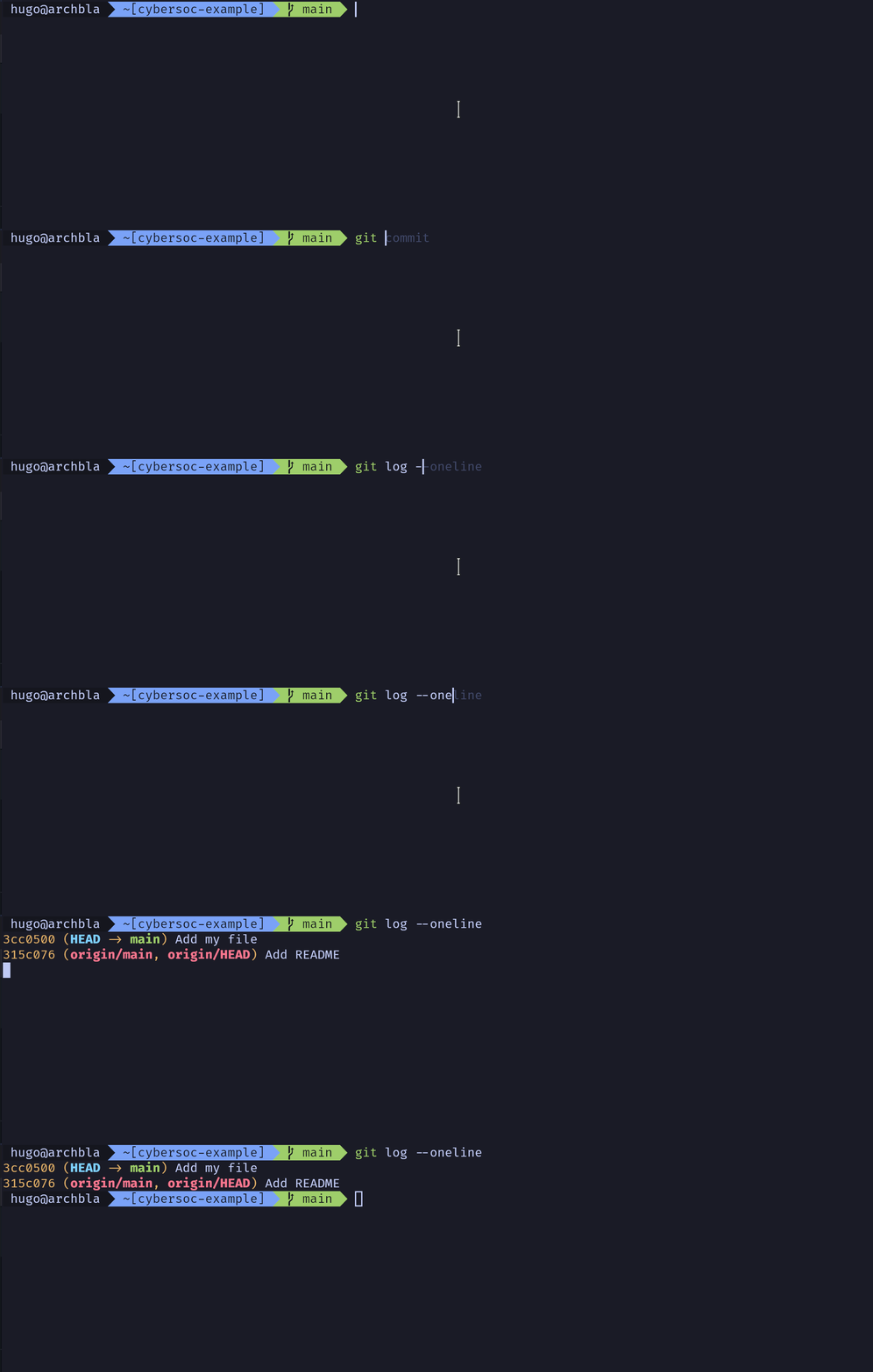
57 KB | Hw2210 (talk | contribs) | gif showing the output of running git log | 1 |
| 18:32, 3 June 2026 | Git-git stage.gif (file) |  |
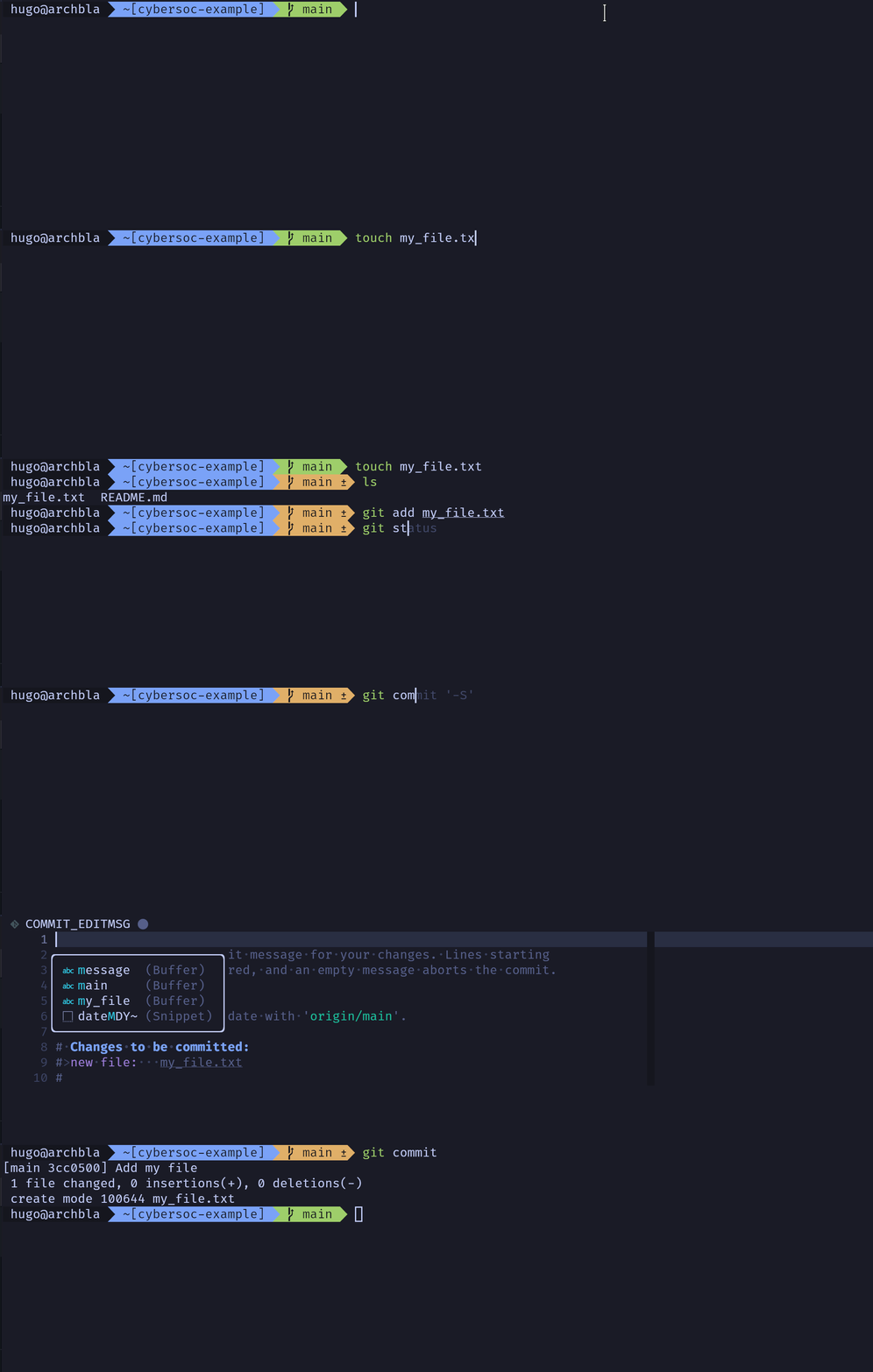
585 KB | Hw2210 (talk | contribs) | gif showing the process of adding a file and then staging and committing it | 1 |
| 18:31, 3 June 2026 | Git-git clone.gif (file) |  |
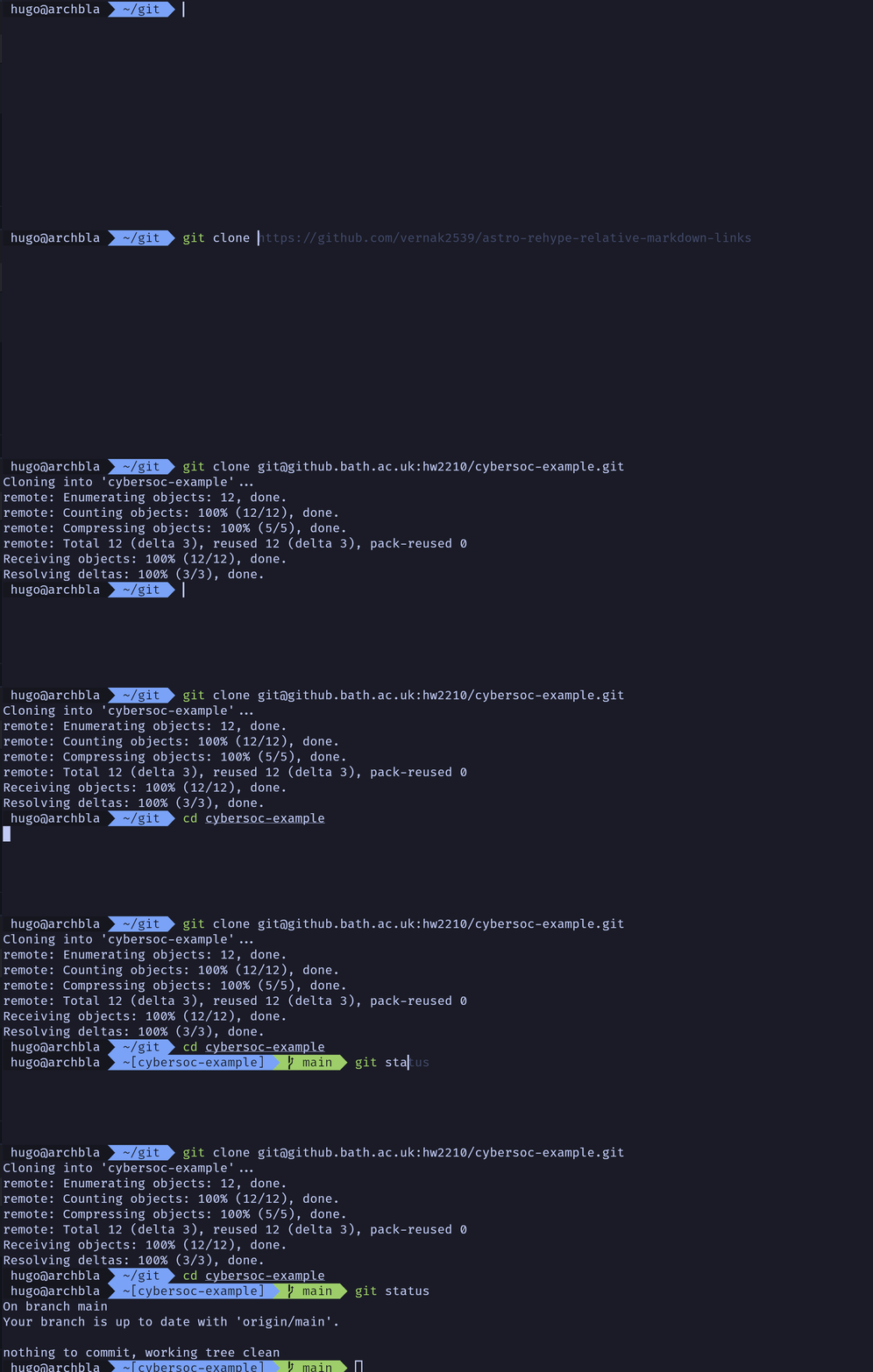
299 KB | Hw2210 (talk | contribs) | gif showing the process of cloning a repository | 1 |
| 18:31, 3 June 2026 | Git-git init.gif (file) |  |
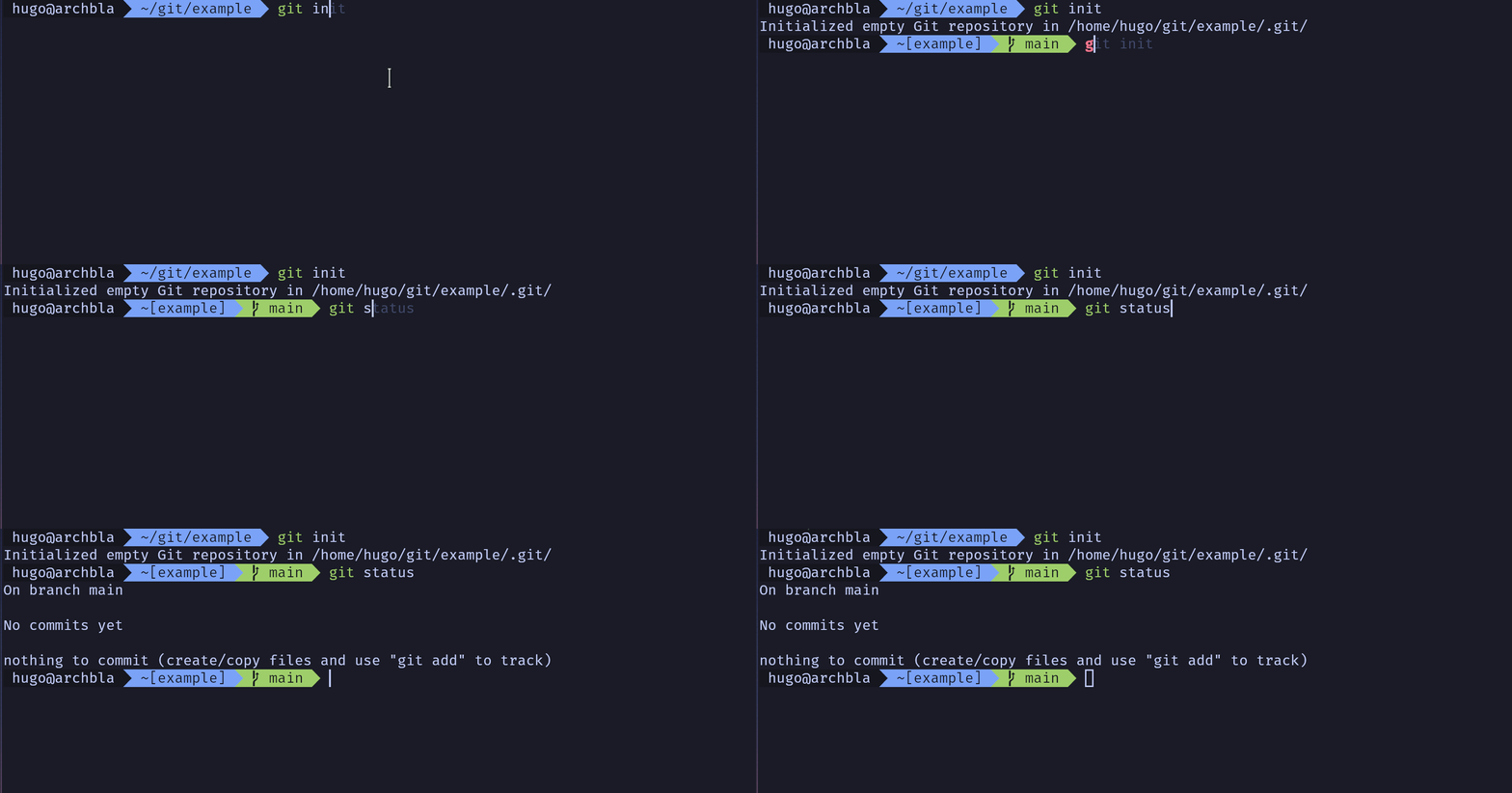
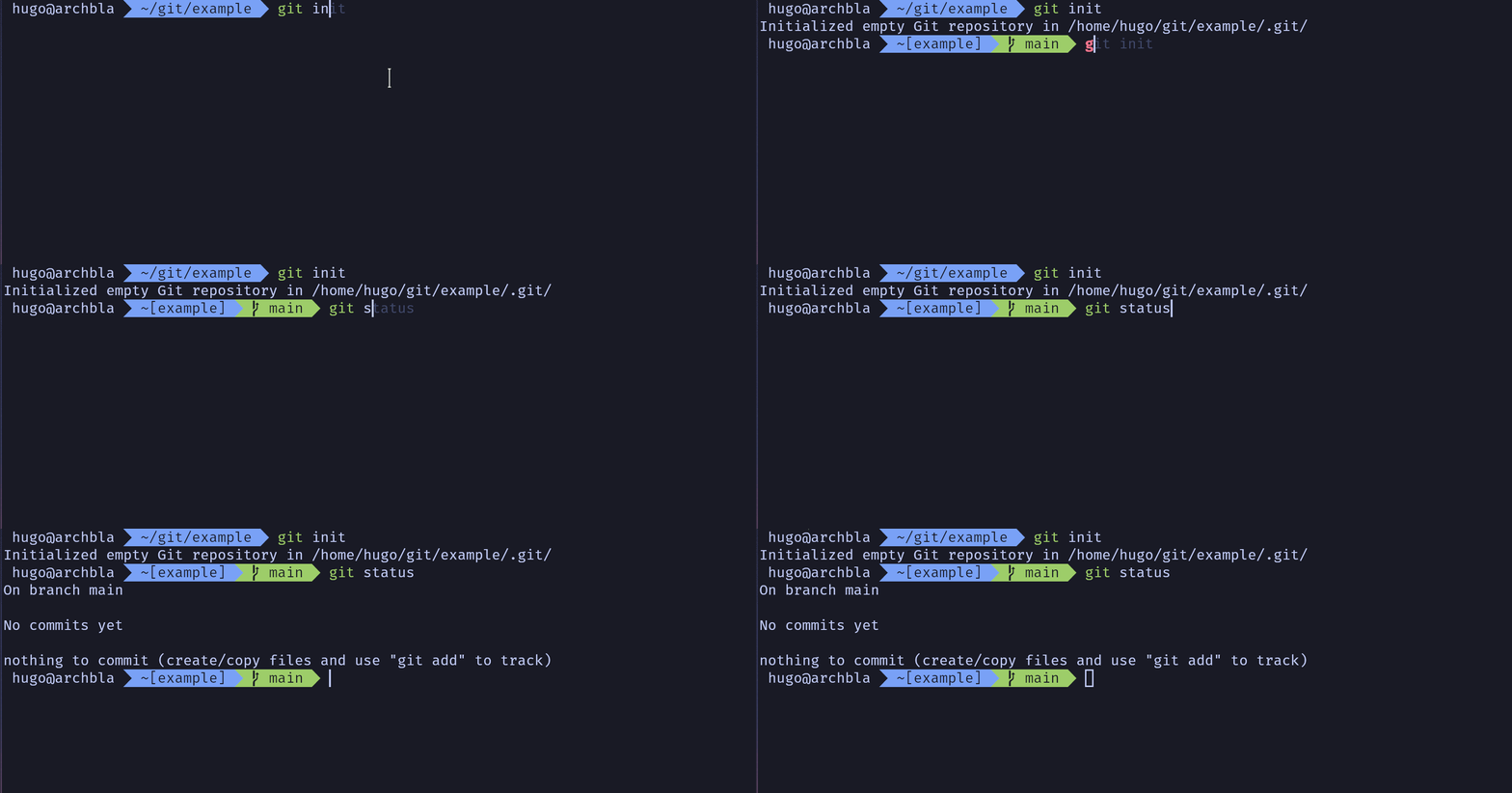



78 KB | Hw2210 (talk | contribs) | gif showing what is explained in this section of initialising a git repo | 1 |
| 18:13, 3 June 2026 | Git-git remote add.gif (file) |  |
38 KB | Hw2210 (talk | contribs) | gif showing the process of adding a remote repo and pulling from it | 1 |
| 17:59, 3 June 2026 | Git-git push.webp (file) |  |
80 KB | Hw2210 (talk | contribs) | gif showing the process of pushing the new branch to the remote repo | 1 |
| 17:59, 3 June 2026 | Git-switch branch.webp (file) |  |
71 KB | Hw2210 (talk | contribs) | gif showing the process of creating and switching to a new branch | 1 |
| 17:59, 3 June 2026 | Git-git log.webp (file) |  |
24 KB | Hw2210 (talk | contribs) | gif showing the output of running git log | 1 |
| 17:58, 3 June 2026 | Git-git stage.webp (file) |  |
249 KB | Hw2210 (talk | contribs) | gif showing the process of adding a file and then staging and committing it | 1 |
| 17:58, 3 June 2026 | Git-git clone.webp (file) |  |
108 KB | Hw2210 (talk | contribs) | gif showing the process of cloning a repository | 1 |
| 17:57, 3 June 2026 | Git-git remote add.webp (file) |  |
92 KB | Hw2210 (talk | contribs) | gif showing the process of adding a remote repo and pulling from it | 1 |
| 17:56, 3 June 2026 | Git-git init.webp (file) |  |
29 KB | Hw2210 (talk | contribs) | gif showing what is explained in this section of initialising a git repo | 1 |